


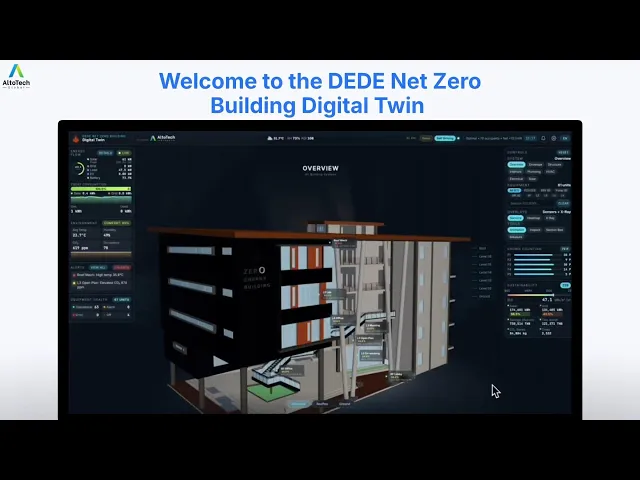
A building digital twin is a live, navigable 3D model that connects your BIM, IoT sensors and asset information in one spatial platform, so facility teams can locate equipment, diagnose issues and decide faster.
30%
20%
More than
2x
The Alto Digital Twin starts from the building information you already have, then connects it to your live systems, so everything your team needs sits in one navigable 3D model.

BIM & Point-Cloud Integration
Bring in the model you already have — IFC, BIM, CAD or point-cloud — and we turn it into a live, navigable twin, with analysis and simulation that static drawings can't support.

IoT & BMS Integration
Connect your sensors, meters and building-management points directly to the twin for continuous, real-time monitoring across every system.

Integrated Asset Information Model
Every piece of equipment carries its own context — system dependencies, warranty details, maintenance records and engineering drawings — attached right where it sits in the 3D model.

3D Space Navigation
Instant equipment location, visual wayfinding and spatial context that 2D floor plans simply can't match.
HOW IT WORKS
01
Build the spatial layer
Import BIM, CAD, point-cloud or available building information.
02
Connect assets and systems
Map equipment, IoT data, BACS points, documents and maintenance records.
03
Operate through one environment
Monitor conditions, locate assets and support troubleshooting from the 3D interface.
Add real-time intelligence for faults, occupancy, air quality, comfort, energy, and space utilization. Each Alto App connects operational data to the relevant asset, room, or system inside your building’s 3D environment.
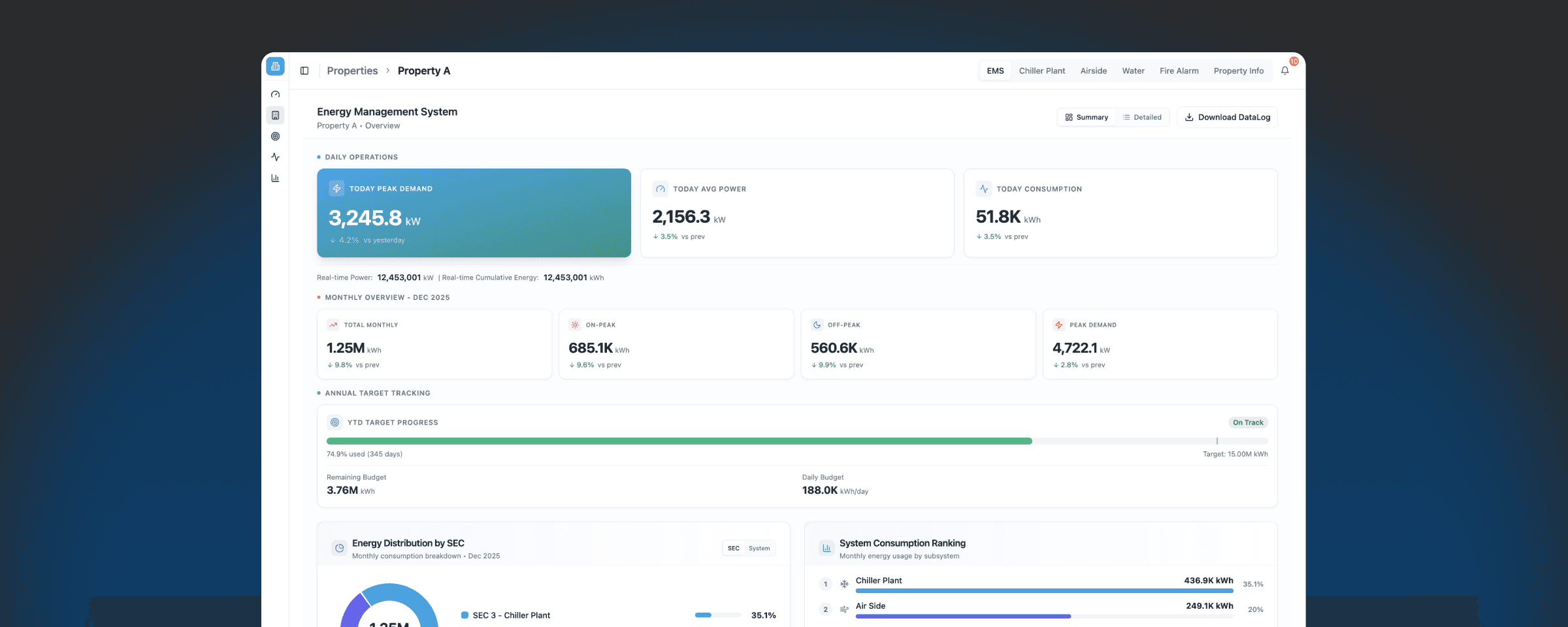
Property Subsystems
From portfolio dashboard to subsystem analytics – optimize every property with AI-driven intelligence.
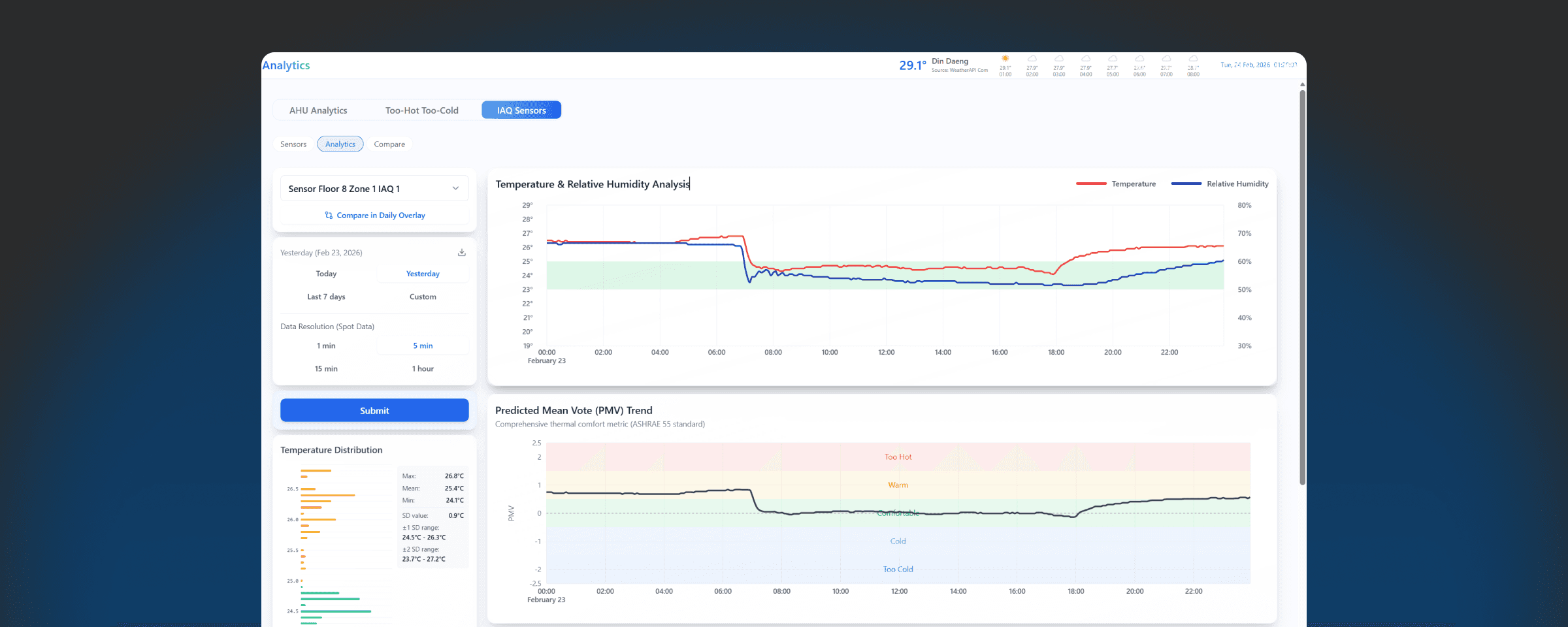
Thermal Comfort
AI-powered Smart Building app that optimizes indoor comfort while reducing energy waste
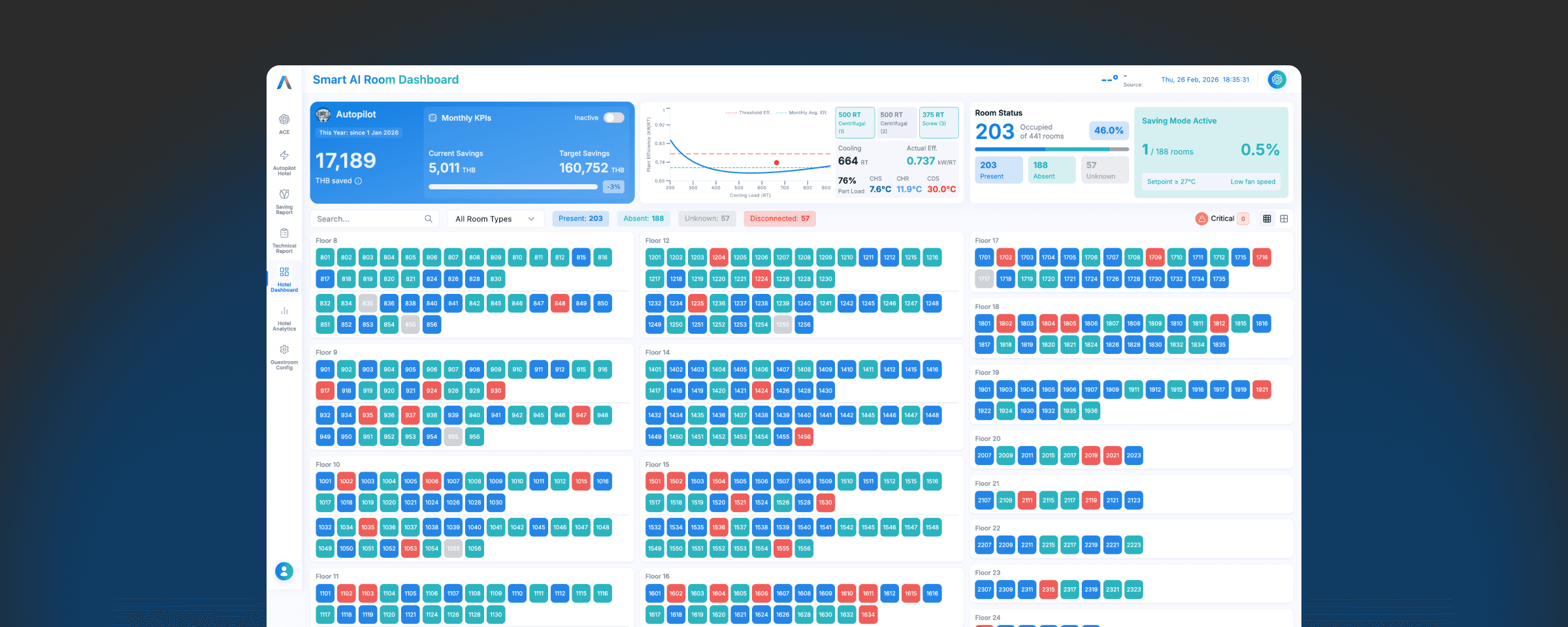
Occupancy Detection
Gives you real-time room occupancy visibility so you can automate HVAC and lighting based on actual use
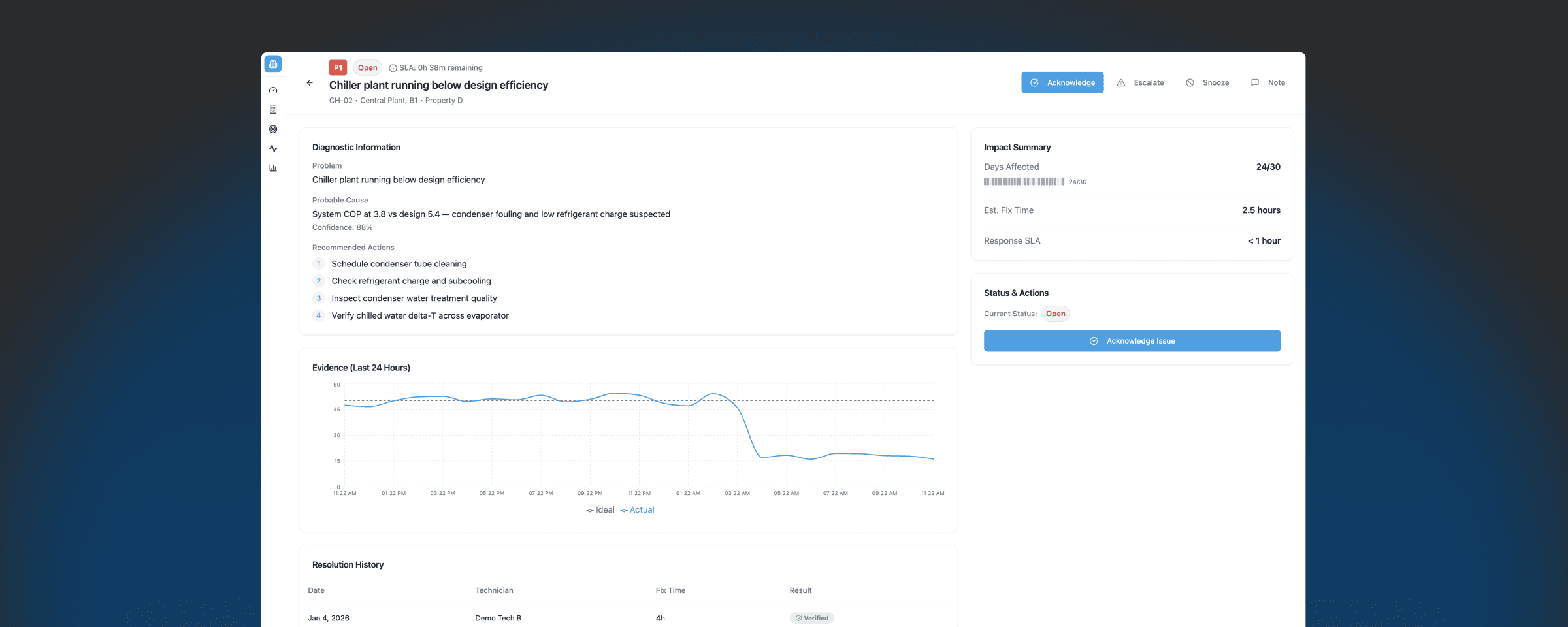
Automatic Fault Detection & Diagnosis (AFDD)
Continuously monitors your building systems to catch issues early—so you reduce downtime, avoid expensive failures, and keep equipment running efficiently
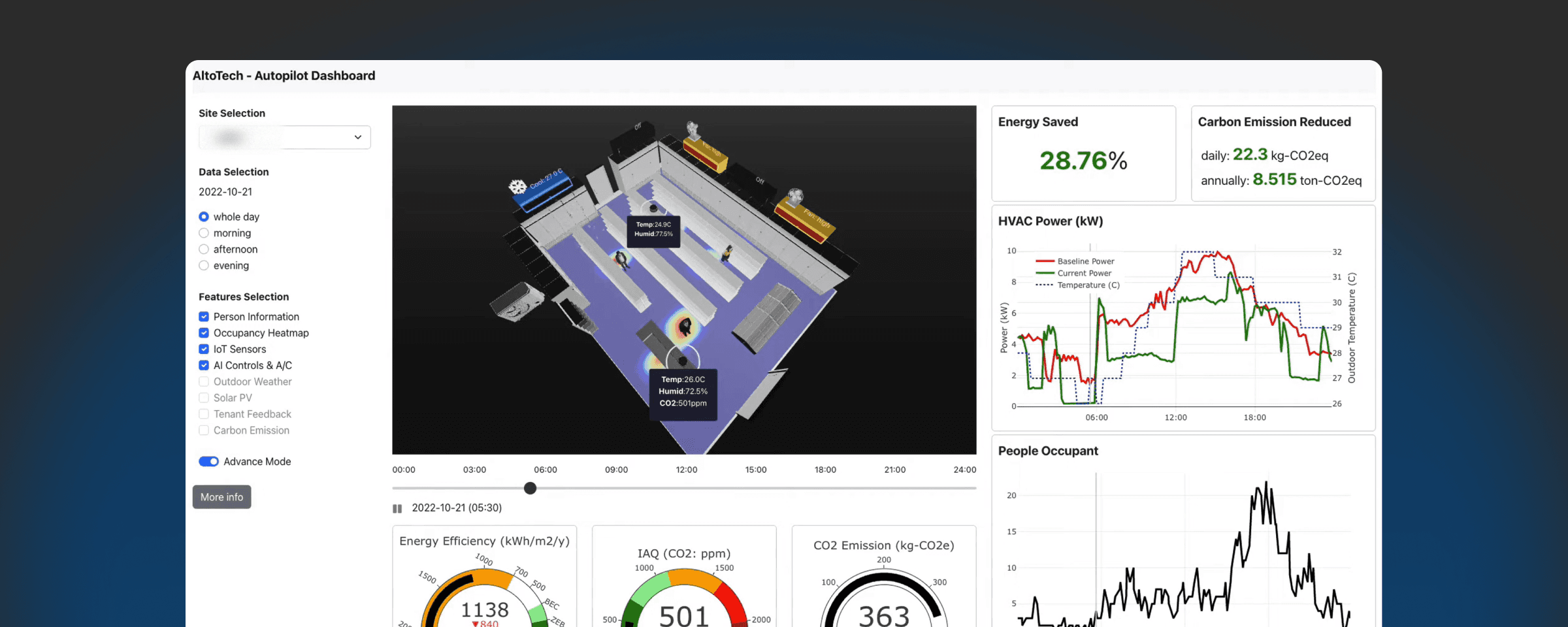
Crowd Counting
Turns existing CCTV streams into real-time occupancy intelligence – so you can understand foot traffic by zone, reduce operational waste, and connect occupancy data
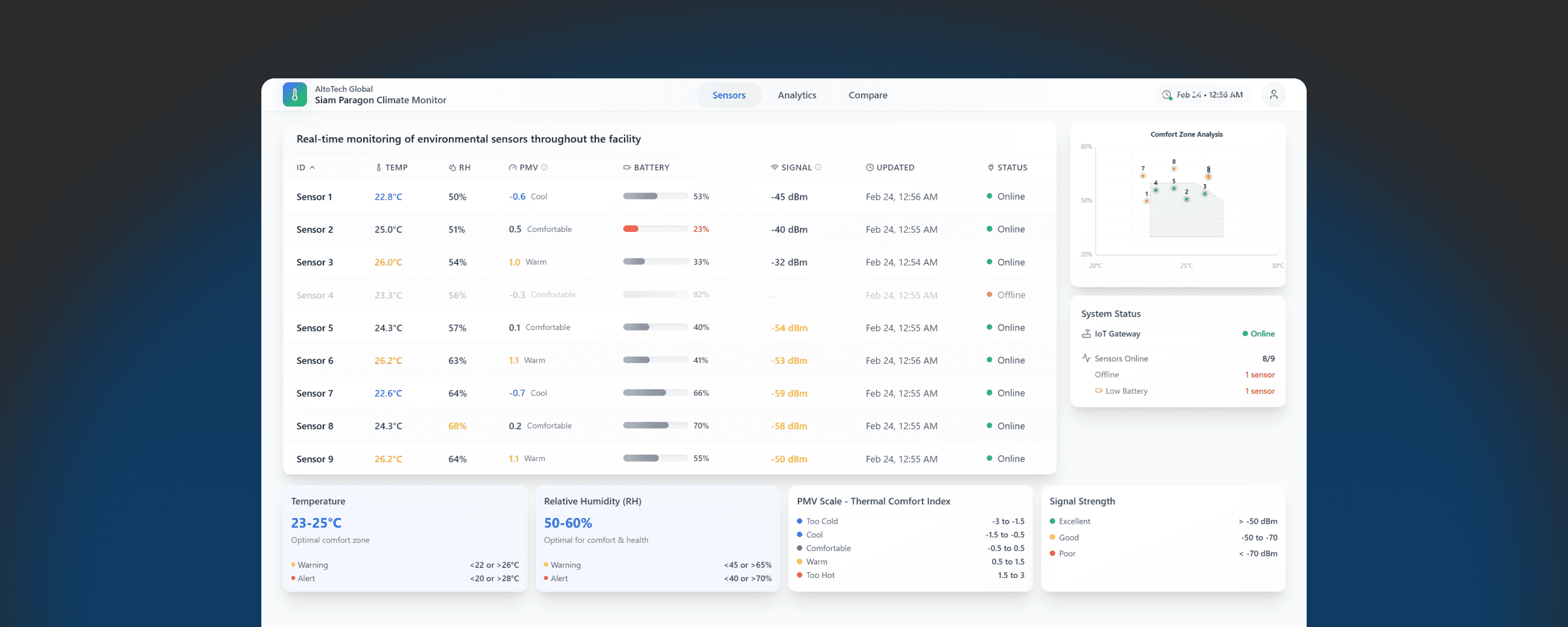
Indoor Air Quality Monitoring
Room-level IAQ + IPMVP-verified reporting to prove savings and flag problem areas monthly.
Watch the platform work on real buildings, from a full building flythrough to fault-to-location troubleshooting in seconds.
Alto Digital Twin: The Future of Building Management
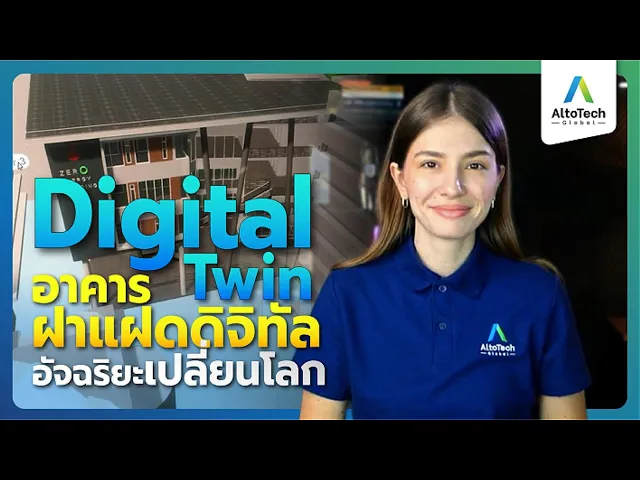
See the Twin at Work: Locate, Diagnose, Resolve
Common questions about the Alto Digital Twin for building operations.
What is a building digital twin?
A live 3D replica of a building that links BIM/CAD models, real-time IoT and BMS data, and asset records in one navigable environment for monitoring, maintenance and troubleshooting.
What data does the Alto Digital Twin connect?
BIM, CAD or point-cloud models; sensors, meters and BMS points; and an asset information model carrying dependencies, warranties, maintenance records and drawings per equipment.
How is a digital twin used for building energy management?
By connecting live energy, comfort, occupancy and fault data to each asset in the 3D model, teams can spot inefficiency and faults spatially and act faster than with 2D plans or spreadsheets.
What results does a digital twin deliver?
Up to 30% increased operational efficiency and more than 2× improvement in decision-making efficiency.
How is it deployed?
Three steps: build the spatial layer from existing building data, connect assets and systems, then operate from one 3D environment.
Book a live demonstration to see how AltoTech connects 3D building models, live equipment data and asset information for faster monitoring, maintenance and troubleshooting.